Subscriber Retention
Part of Subscription commerce metrics
Calculating churn by a clearly defined billing period
Calculate subscription churn with an explicit period, opening population and loss event, while separating retries, pauses and expirations.
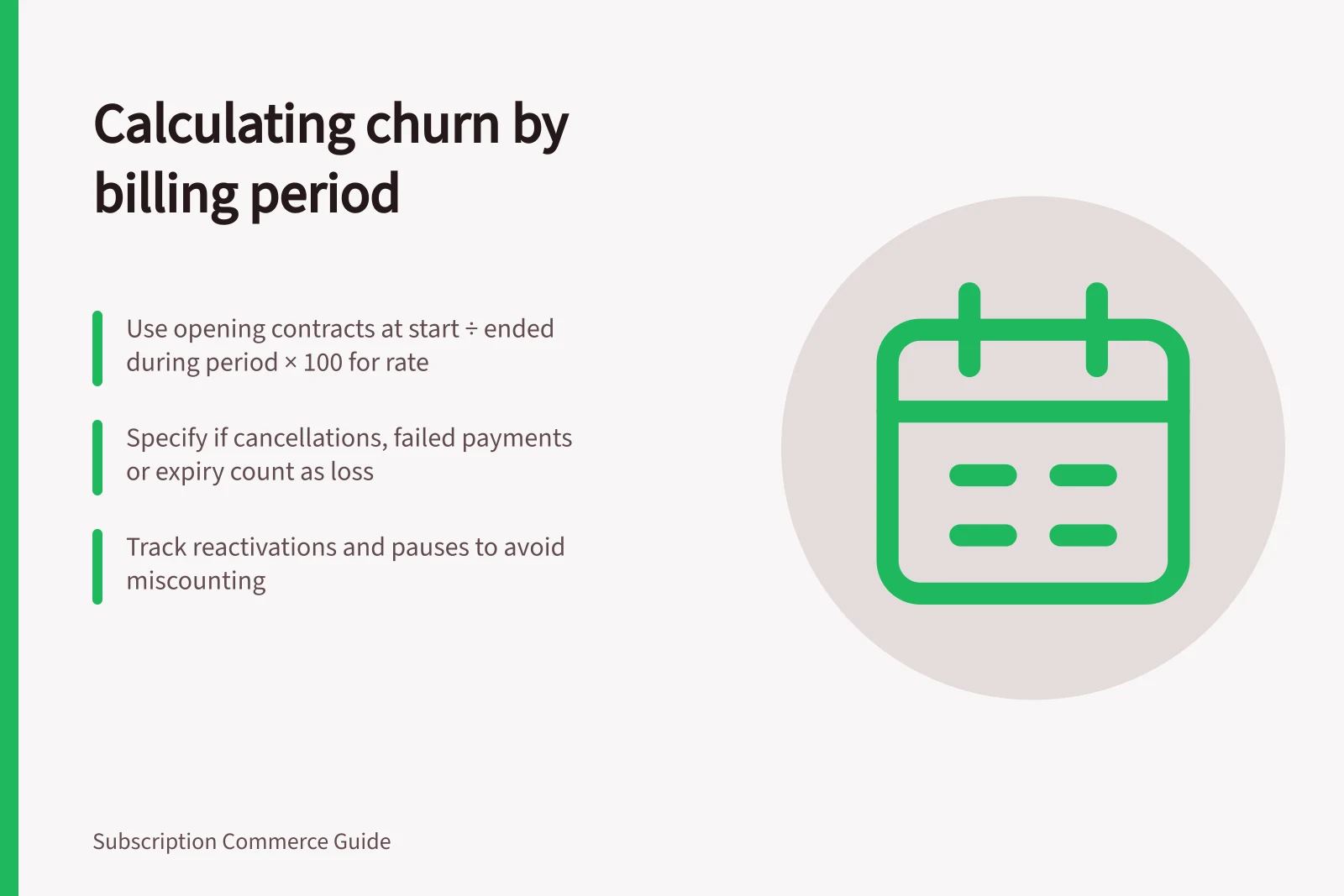
Before calculating churn, name the period, population and event that counts as a loss. For an opening-group contract measure, use: period churn rate = eligible opening contracts that ended during the period under the stated rule ÷ eligible contracts at the period start × 100. New contracts acquired during the period belong in neither part of this calculation.
Fix the period and unit
State the start and end dates, time zone, included plans and whether the unit is a customer or a contract. A calendar month, four-week interval and a set of scheduled renewals describe different populations. A customer who cancels one of two plans loses a contract but may remain a subscriber.
A calendar-month rate can describe losses from the opening population even when plans renew at different intervals, but it does not give every plan a renewal opportunity. To study renewal outcomes, use a separate cohort of contracts due to renew, and specify how long after the due date a retry may resolve. Label that result as a renewal-cohort measure, not as opening-population churn.
Decide which endings count
Specify whether the numerator includes requested cancellation, an agreed plan expiry or an ending after unsuccessful payment recovery. Report these categories separately when possible. Apply one stated rule to pauses and skips; neither is automatically a cancellation. If a contract ends while prepaid deliveries remain due, show those delivery commitments separately.
A failed payment attempt is an unresolved billing event until its outcome is known. Shopify Subscriptions lets merchants configure retry attempts and choose to skip, pause or cancel after all retries fail. The chosen setting matters; a failed first attempt is not automatically churn.
Work the opening-group calculation
Suppose 120 eligible contracts are active at the start of a fictional calendar month. Six of those contracts end during the month under the chosen rule. Another 15 contracts begin during the month and do not change this opening-group calculation.
The rate is 6 ÷ 120 × 100 = 5%. This is arithmetic, not a benchmark.
A contract that begins and ends within the month is absent from this opening-group rate. Report such short-lived contracts separately. Record whether an ending date means the customer requested cancellation or the plan became ineligible for another cycle.
If an opening contract ends and later reactivates in the same period, record the reactivation alongside the ending event so readers do not mistake an event count for the number absent at close.
Reconcile the result
Retain the opening contract IDs, the ending event for each counted loss and the closing status. Check pauses, reactivations and plan migrations when reconciling counts. Shopify’s active-subscription metric includes paused contracts and skipped orders; an internal measure may use another eligibility rule.
Before comparing a vendor dashboard rate with this illustrative opening-contract rate, check whether the unit, denominator, period and eligibility rule match. If they do not, present them as different measures. Display the formula and eligibility rule with every chart so a change in the rate can be checked.
Key Steps in Calculating Churn by Billing Period
- Define the billing period (e.g., calendar month, four-week interval)
- Identify the opening population (eligible contracts at period start)
- Specify which endings count (e.g., cancellation, failed payment recovery, plan expiry)
- Exclude new contracts acquired during the period
- Record reactivations and pauses to avoid miscounting
- Verify unit consistency (customer vs contract) and eligibility rules
Using Shopify Subscriptions vs Recharge Dashboards for Churn Tracking
- Pros of Shopify SubscriptionsBuilt-in analytics; integrates with ATO-compliant GST reporting; supports ABN-based invoicing; tracks paused contracts and skipped orders.
- Cons of Shopify SubscriptionsLimited custom cohort definitions; less granular control over retry logic compared to third-party tools.
- Pros of RechargeAdvanced subscriber dashboards; detailed event tracking including retries, skips, and cancellations; flexible cohort segmentation.
- Cons of RechargeAdditional cost beyond Shopify fees; requires integration setup; not natively linked to ATO or Australian tax systems.