Subscriber Retention
Part of Reducing avoidable subscription churn
Matching shipment frequency to product usage
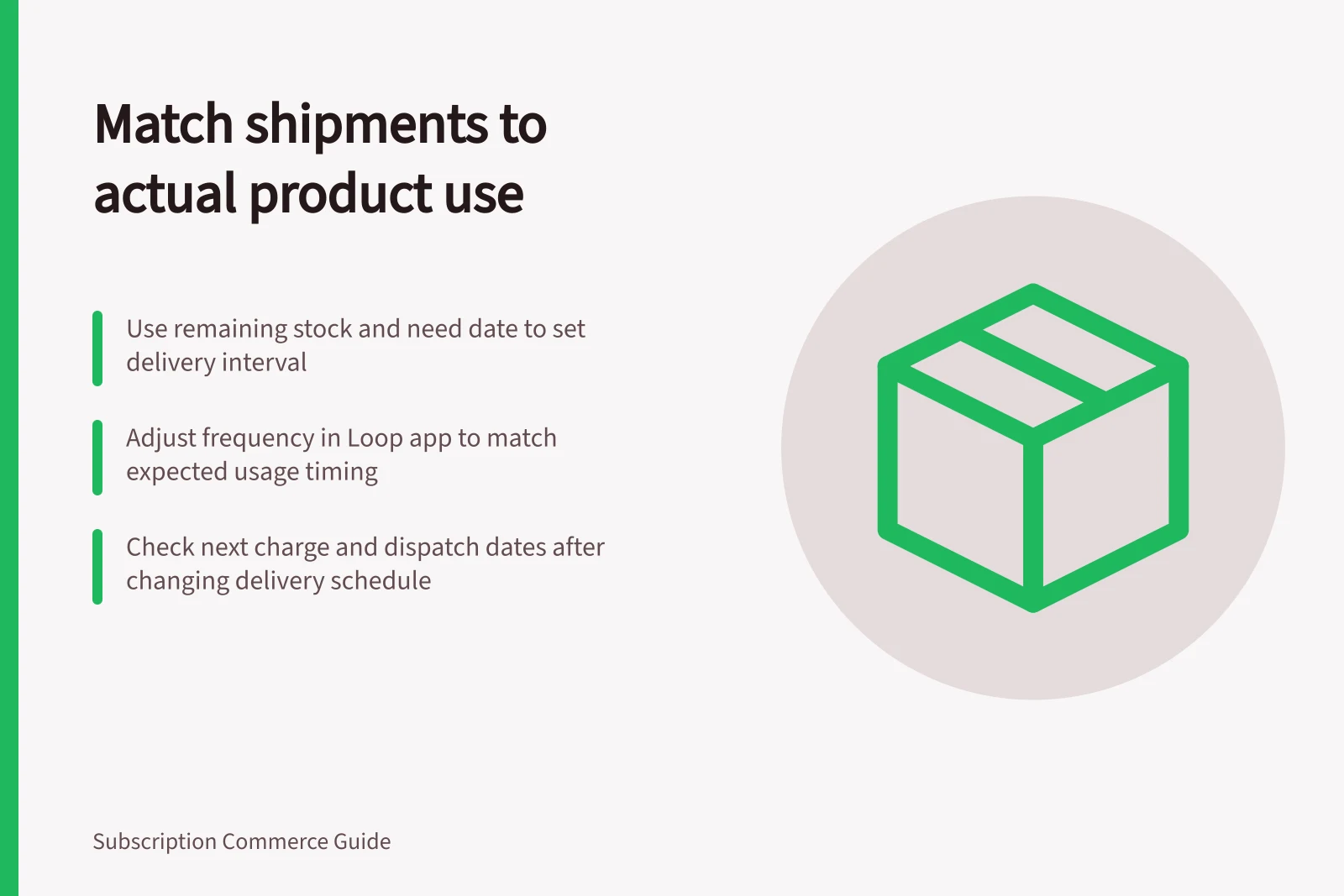
Use remaining stock and actual consumption to choose a practical shipment interval, then verify the affected charge and delivery.
Use the subscriber’s reported remaining stock and expected need date to choose a shipment interval. Then update the contract’s delivery frequency and check the resulting order and billing cadence.
A monthly default can send another box before the previous one is finished.
Estimate when more product is needed
Ask how much of the last delivery remains, how much product each shipment contains and when the subscriber expects to need more. Use their report of actual consumption to estimate when another shipment is needed, then compare that timing with the quantity per shipment.
Choose an available interval that places the next shipment near the subscriber’s expected need: a shorter interval if they will need product sooner, or a longer one if their stock will last. Account for household size, travel, season and product suitability, which can change usage.
Intervals depend on the subscription app. For example, Loop lets subscribers change their portal setting from “Delivery every 30 days” to “Delivery every 45 days”; offer the available interval closest to their expected need.
A one-off delay addresses immediate surplus; an ongoing interval change addresses a recurring mismatch. If the subscriber says a product is too expensive, do not assume they have surplus stock; clarify whether they want fewer units, a later next shipment, a longer ongoing interval or no more deliveries.
Check delivery and payment dates separately
In Shopify Subscriptions, go to Apps > Subscriptions > Contracts, select the contract, edit its delivery frequency and click Save. A change to delivery frequency automatically changes billing frequency.
Before confirming the change, check the next charge, expected dispatch and first affected delivery. If an order is already scheduled, check how the change affects it and explain an available alternative for that order if needed.
Review the first affected order
Offer only intervals and quantities the operation can fulfil reliably. Consider pack size, dispatch days, stock and the subscriber’s likely use.
After the first affected shipment, ask whether product was still left over or whether the subscriber needed more before it arrived. If there is still surplus, consider a longer interval; if they needed product earlier, consider a shorter one within the available options.
If the customer’s need has ended, cancellation remains an option.