Billing Operations
Part of Subscriber self-service
Showing the next billing and delivery dates
Label the next charge, change deadline, dispatch and estimated delivery separately, including for prepaid and skipped orders.
Show the next expected charge and the next delivery information as separate events. “Next order” alone does not tell a subscriber whether a date refers to payment, dispatch or arrival.
Label the event behind each date
When information is dependable, an account can show the following:
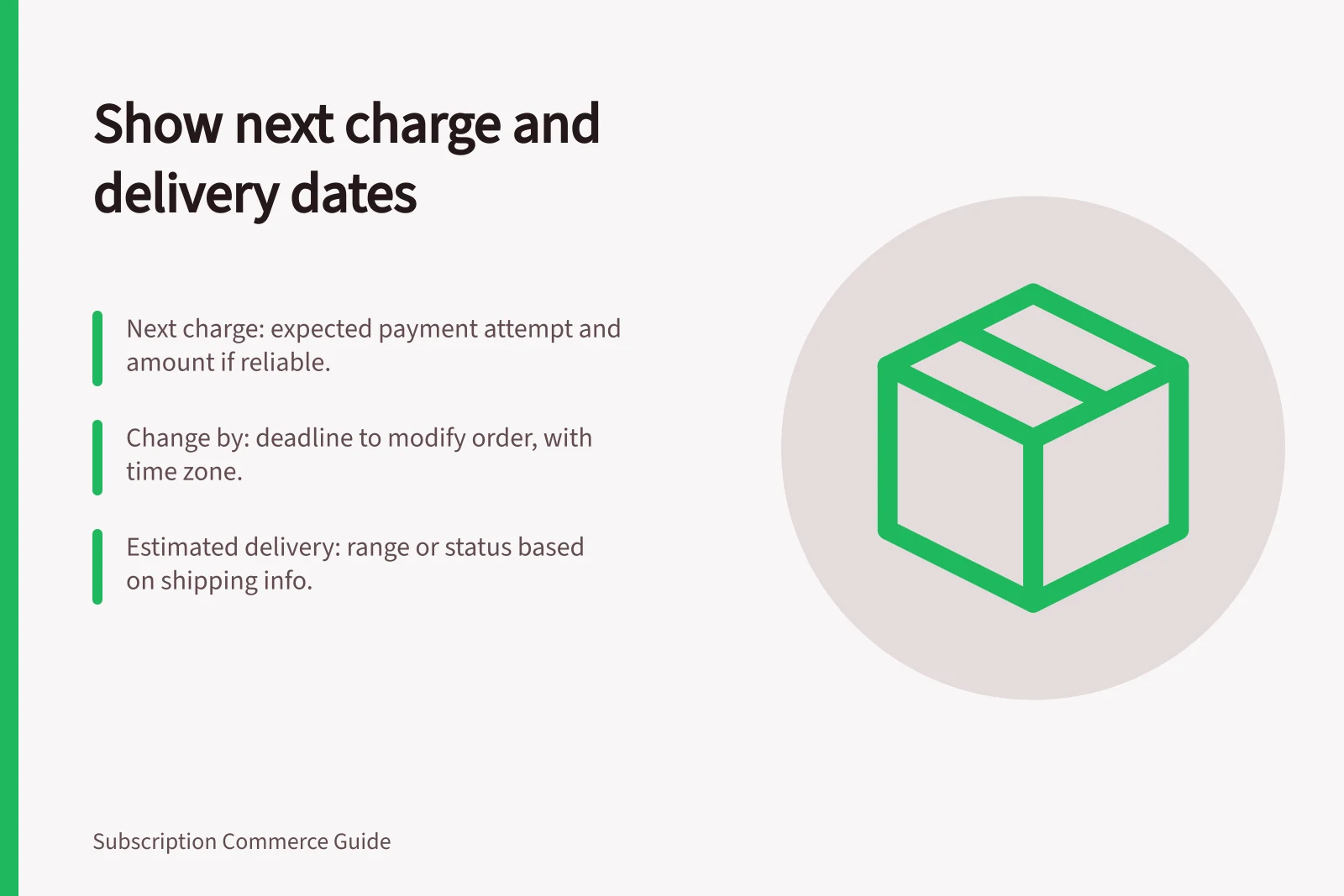
- Next charge:the expected payment attempt and amount, if the amount can be calculated reliably.
- Change by:the deadline for changing the displayed order, with its time zone.
- Planned dispatch:the expected handover to the carrier, if known.
- Estimated delivery:a range or status based on available shipping information.
A scheduled delivery frequency is not transit time. For recurring shipments, display charge and delivery information separately. Do not turn a charge date into an arrival promise, or describe an estimate as guaranteed unless the merchant can honour it.
Separate prepaid shipments from renewals
A prepaid subscriber can have an upcoming shipment without another charge on that date. Show the shipment and the later renewal as distinct entries.
Where products follow different schedules, show the next date for each rather than suggesting that all items travel together.
Update dates when the order changes state
A skipped order should be marked as skipped while the following active order remains visible. A paused plan may have no currently scheduled charge.
A payment error needs an action to resolve it, not a promised dispatch date. Once a charge is processing or complete, the account should use a different status from an order still open to changes.
The controls shown should match the order state and account settings. For any custom account or reminder, compare the displayed date with the payment schedule and fulfilment record. When a date is only a forecast, label it as an estimate and update it as firmer order or tracking information becomes available.