Offer Design
Part of Subscriber self-service
Designing clear pause and skip options
Explain which order a skip affects, what a pause stops, when changes take effect and how subscribers resume.
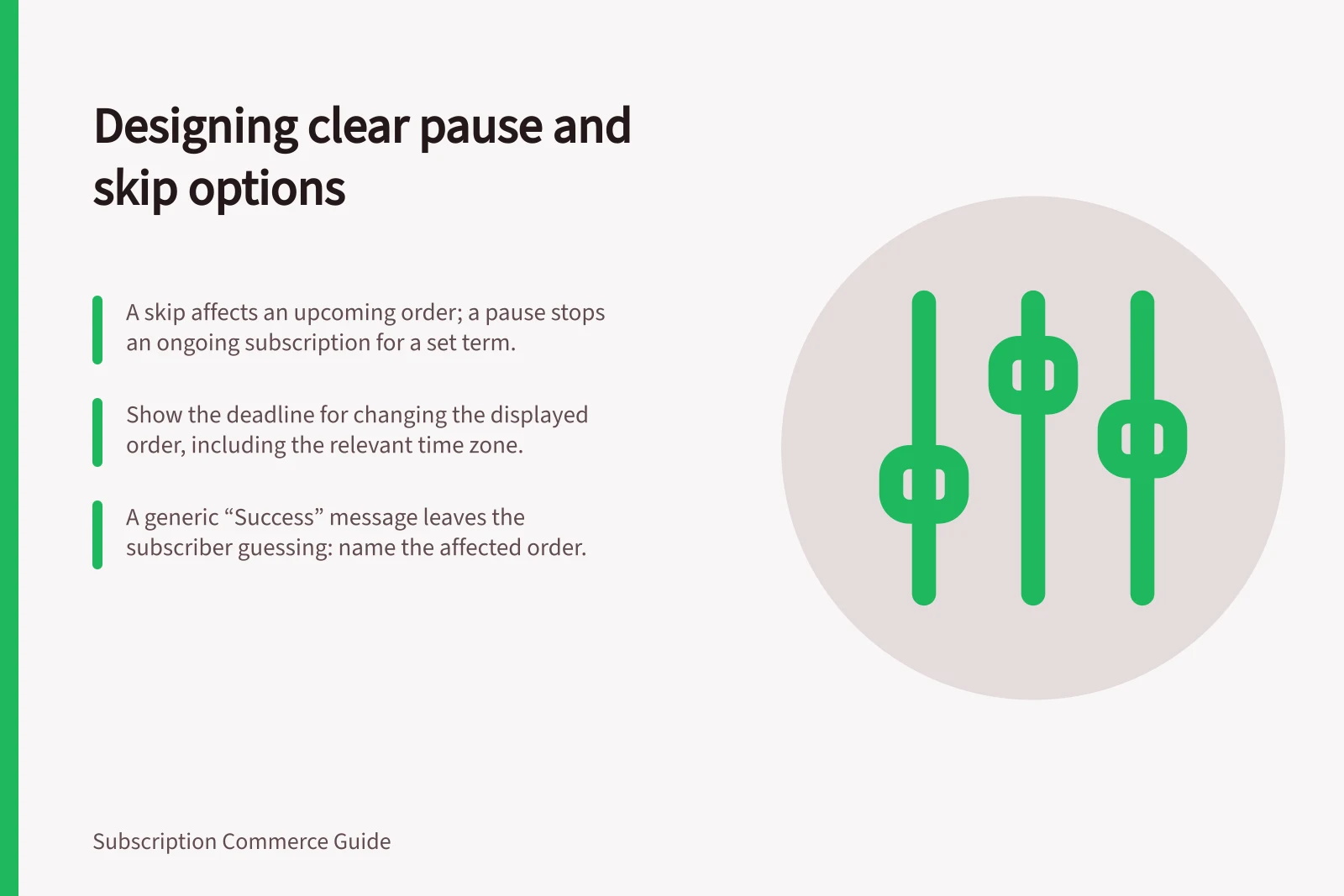
A skip affects a specified upcoming order. A pause stops an ongoing subscription for a stated period or until the customer resumes it. Before confirming either action, show that difference and the effect on charges and deliveries.
Skip vs pause: what each action does
- SkipAffects a specified upcoming order
- PauseStops an ongoing subscription for a stated period or until the customer resumes it
- Before confirming eitherShow the effect on charges and deliveries
Make a skip specific
Place the order date and contents beside “Skip”. If several subscriptions share an order, say whether the action skips the whole order or one subscription item. Show the next scheduled order after the skip and update the account when the choice is saved.
Check how your own portal handles order-level versus item-level skips.
Make a skip specific: checks before confirmation
- Place the order date and contents beside “Skip”
- State whether the action skips the whole order or one subscription item
- Show the next scheduled order after the skip
- Update the account when the choice is saved
- Check how your portal handles order-level versus item-level skips
Say what a pause stops
Show when the pause begins, whether it has a planned end, and how the customer resumes. State what happens to a charge already processing and to a shipment already paid for. A paused subscription does not, by itself, answer what happens to every existing order.
The wording shown to subscribers must match the system and plan in use.
For an open-ended pause, make resumption easy to find. For a timed pause, show the planned restart date if it is known; otherwise explain when the new schedule will be available.
Say what a pause stops: wording checks
- Show when the pause begins
- Say whether it has a planned end
- Explain how the customer resumes
- State what happens to a charge already processing
- State what happens to a shipment already paid for
- Match the wording to the system and plan in use
- For an open-ended pause, make resumption easy to find
- For a timed pause, show the planned restart date or explain when the new schedule will be available
Put timing beside the action
Show the deadline for changing the displayed order, including the relevant time zone. If the next order has passed its cut-off, explain which later order can still be skipped or when a pause will take effect.
The confirmation should name the affected order and display the updated schedule. A generic “Success” message leaves the subscriber guessing.
Keep cancellation accessible as its own choice. A pause suggestion can be useful, but a customer seeking to cancel should still be able to reach that action.
Review the path for a single item, several items in one order, a prepaid shipment, an order in processing and a plan being resumed. Compare what the account promises with the resulting charge and shipment schedule. The labels are clear only when those records agree.
Put timing beside the action: checks
- Show the deadline for changing the displayed order, including the relevant time zone
- If the next order has passed its cut-off, explain which later order can still be skipped or when a pause will take effect
- Name the affected order in the confirmation
- Display the updated schedule
- Keep cancellation accessible as its own choice
- Review single item, several items in one order, prepaid shipment, order in processing and plan being resumed
- Compare what the account promises with the resulting charge and shipment schedule