Fulfilment
Part of Subscription fulfilment
Grouping personalised subscription orders into batches
Grouping personalised subscription orders can save packing time, but only when the grouping rule preserves each customer's selected items.
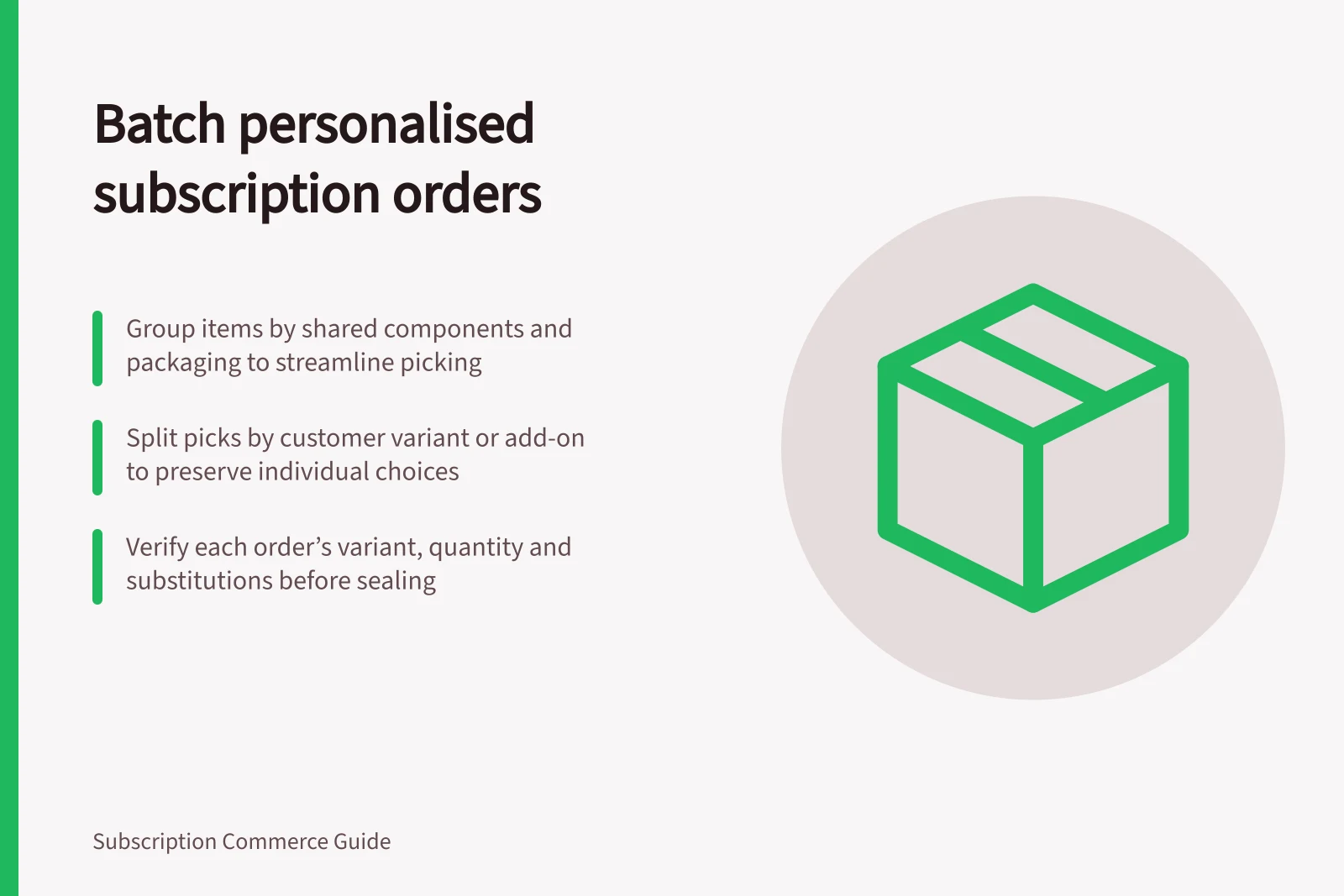
Group orders by the components and packaging they share, then split picks by each customer’s selected variant or add-on. This lets packers handle common items together while checking each order’s individual choices before sealing.
Choose stable groups
Start with the items and packaging that can be picked together without changing what any customer receives. Keep each customer’s personal choices attached to their order instruction.
For a personalised box with a shared base and a customer-selected size, make a shared-base pick group, then separate the size-specific items into variant groups. Link each variant pick to the customer’s order instruction so the shared batch does not replace the individual selection.
Keep standard boxes, dietary or size variations, gift additions and orders needing special handling in separate groups when they change the physical pick or packing. Do not combine variants into an average box just because most customers choose the same option.
In Shopify, selling plan groups represent a selling method or purchase option and are associated with products, variants, selling plans and policies. Use the selected variant for the physical pick; the selling plan group describes how the product is sold.
Shopify describes a billing cycle as one period of billing and delivery information for a subscription contract. A cycle can be edited for an upcoming order without changing the source subscription contract, so use the order created for that cycle and check how your subscription app exposes cycle changes before preparing packing instructions.
Verify at the pack station
Read or scan the order ID, selected variant, quantity and any approved substitution against the order-specific instruction before sealing. For a bundle with several personal options, use a checklist tied to that order rather than relying on memory.
Sample a finished parcel from each group and review mispacks by group. This can help reveal confusing labels or lookalike items without treating a shared pick as proof that every order is correct.
If a change arrives after an order is picked, stop that order and issue a clear revised instruction. Do not silently edit a shared batch sheet, as another packer may still be using the old version.