Software Selection
Part of Subscription software selection
Checking data export for subscriber records
Inspect subscription, payment, order and prepaid-delivery exports before choosing software or planning a provider move.
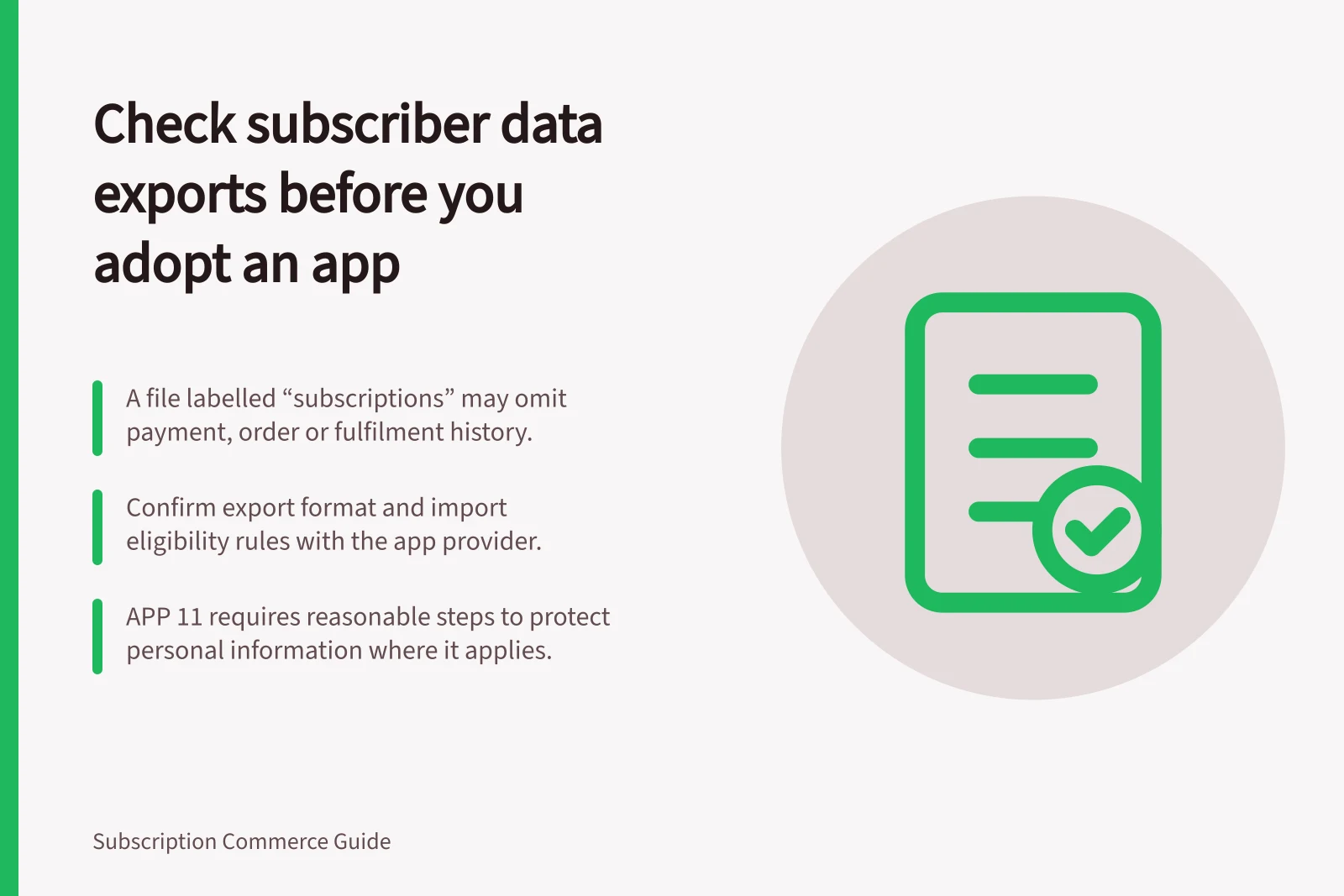
Check an app's export before adopting it. Can available files show each subscriber's current plan, next charge and deliveries still owed? A file labelled “subscriptions” may contain the contract without related payment, order or fulfilment history.
Export review sequence
- List the records the export must answerInclude current plan, next charge and deliveries still owed.
- Decide routine analysis vs migration fieldsSeparate fields needed for reporting from fields a future provider would require.
- Request documentation and an authorised sampleCover active, paused, changed and prepaid subscriptions.
- Check file structureReview column names, currency, dates, time zone and row structure; count unique subscriptions by identifier.
- Check joins and retrieval limitsConfirm whether related records are supplied together, and document date-range and history limits.
- Reconcile sample subscriptionsTrace product, price, next charge, latest payment, order and delivery still due.
- Check payment migration separatelyConfirm how the receiving provider will handle payment methods and token references.
- Accept or record reconstruction gapsNote history or outstanding delivery state that would need separate reconstruction.
List the records the export must answer
Identify the customer and subscription IDs, status, product and variant, quantity, current price, billing interval, next charge and delivery address. Add payment outcomes, order references, refunds, cancellation dates and remaining prepaid deliveries where the business needs them.
Decide which fields support routine analysis and which a future provider would require for migration.
Check the documented export format and any import eligibility rules with the app provider. An exported file is not automatically ready to import.
Records the export must answer
- Identitycustomer ID and subscription ID
- Statusactive, paused, changed or prepaid
- Commercial termsproduct, variant, quantity, current price and billing interval
- Billing and deliverynext charge and delivery address
- Payment historypayment outcomes and refunds
- Order historyorder references and cancellation dates
- Prepaid stateremaining prepaid deliveries
- Migration fieldswhat a future provider would require
Inspect files and their joins
Request documentation and an authorised sample covering relevant active, paused, changed and prepaid subscriptions. Check column names, currency, dates, time zone and row structure. Count unique subscriptions by their identifiers rather than equating rows with subscribers.
Check whether related records are supplied together or must be joined. Look for documented limits on date ranges and history, and confirm how much can be retrieved through repeated requests in the merchant's actual platform.
Reconcile sample subscriptions
Trace a small authorised sample from the account view through the export: current product and price, next charge, latest payment, order and delivery still due. Include a failed charge and later recovery only if a safe test or suitable existing record is available. Record missing fields and inconsistent dates instead of guessing.
For prepaid subscriptions, reconcile the advance payment with later deliveries. A contract export alone does not prove which parcels have been supplied.
Check payment migration separately
Do not expect a spreadsheet of full card numbers. Check what payment-related data the export provides and how the receiving provider will handle payment methods and any token references.
Ask the receiving provider to confirm the payment-method migration route for the merchant's actual setup.
Restrict access to real subscriber exports and remove unnecessary copies. Where the Australian Privacy Principles apply, APP 11 requires reasonable steps to protect personal information; whether a merchant is covered and what steps are reasonable depend on its circumstances.
Accept the export capability when sample records answer the agreed questions and the receiving provider confirms how essential fields and payment methods will be handled. Record any history or outstanding delivery state that would require separate reconstruction.
Payment and privacy checks
- Do not expect a spreadsheet of full card numbers
- Check what payment-related data the export provides
- Confirm the receiving provider's payment-method migration route for the merchant's actual setup
- Understand how token references will be handled
- Restrict access to real subscriber exports and remove unnecessary copies
- Where APP 11 applies, take reasonable steps to protect personal information
- Record any history or outstanding delivery state requiring separate reconstruction